How To Learn Framer Faster in 2026 (as a beginner)
Last updated:
8 January 2026
8 January 2026
Over the past few years Framer has emerged as one of the most powerful website builders for creating stunning, custom websites without coding knowledge.
For web designers looking to expand their toolkit beyond traditional platforms like WordPress, Framer offers exciting possibilities with its intuitive interface and powerful features.
But how can beginners learn Framer quickly and effectively? This article explores a strategy that can help you master Framer in just a few weeks.
The Template Reverse-Engineering Approach
While many people attempt to learn Framer through tutorials or courses, there's a more practical approach that can accelerate your learning curve dramatically: reverse-engineering templates.
Step 1: Choose a Template
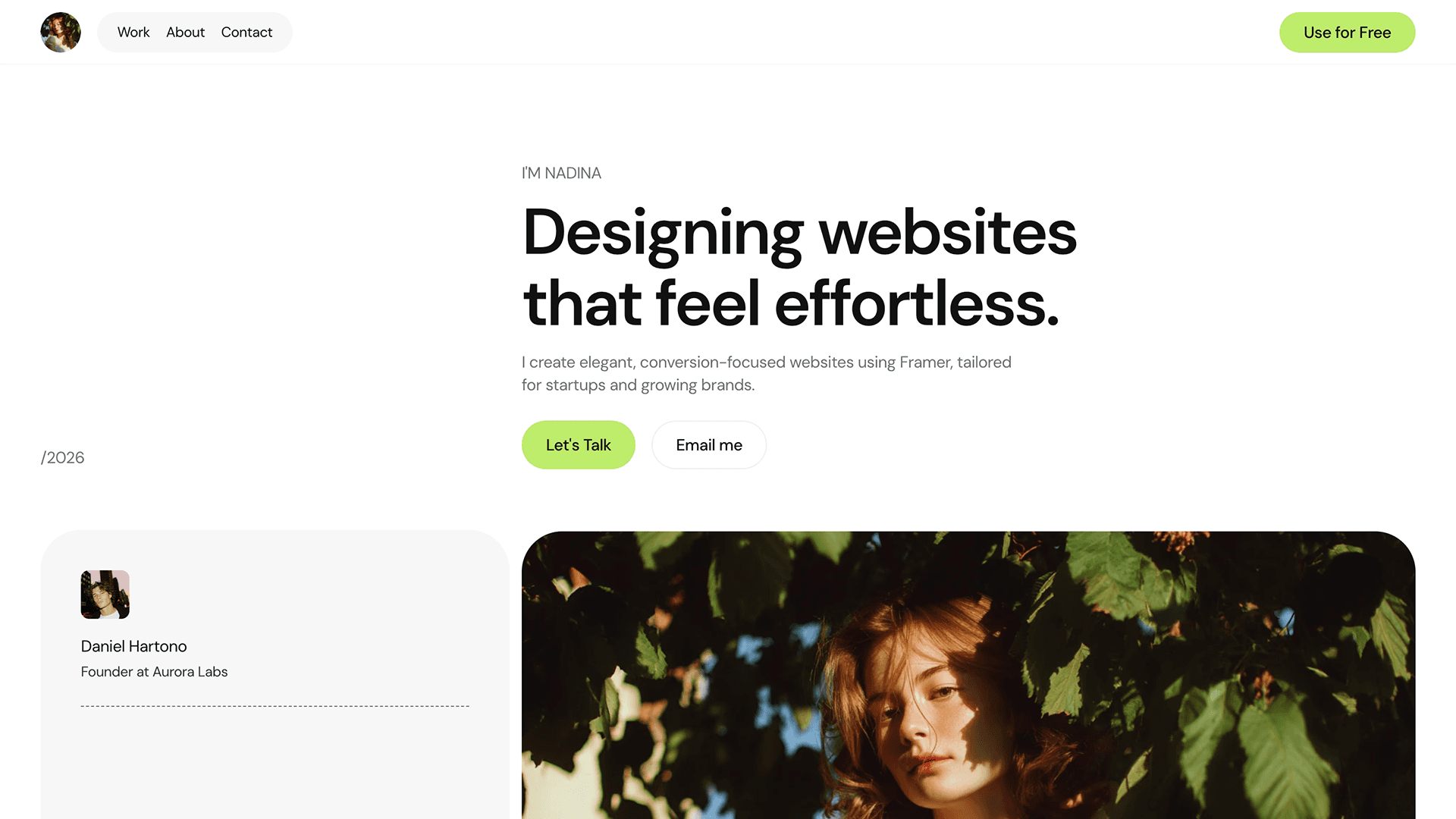
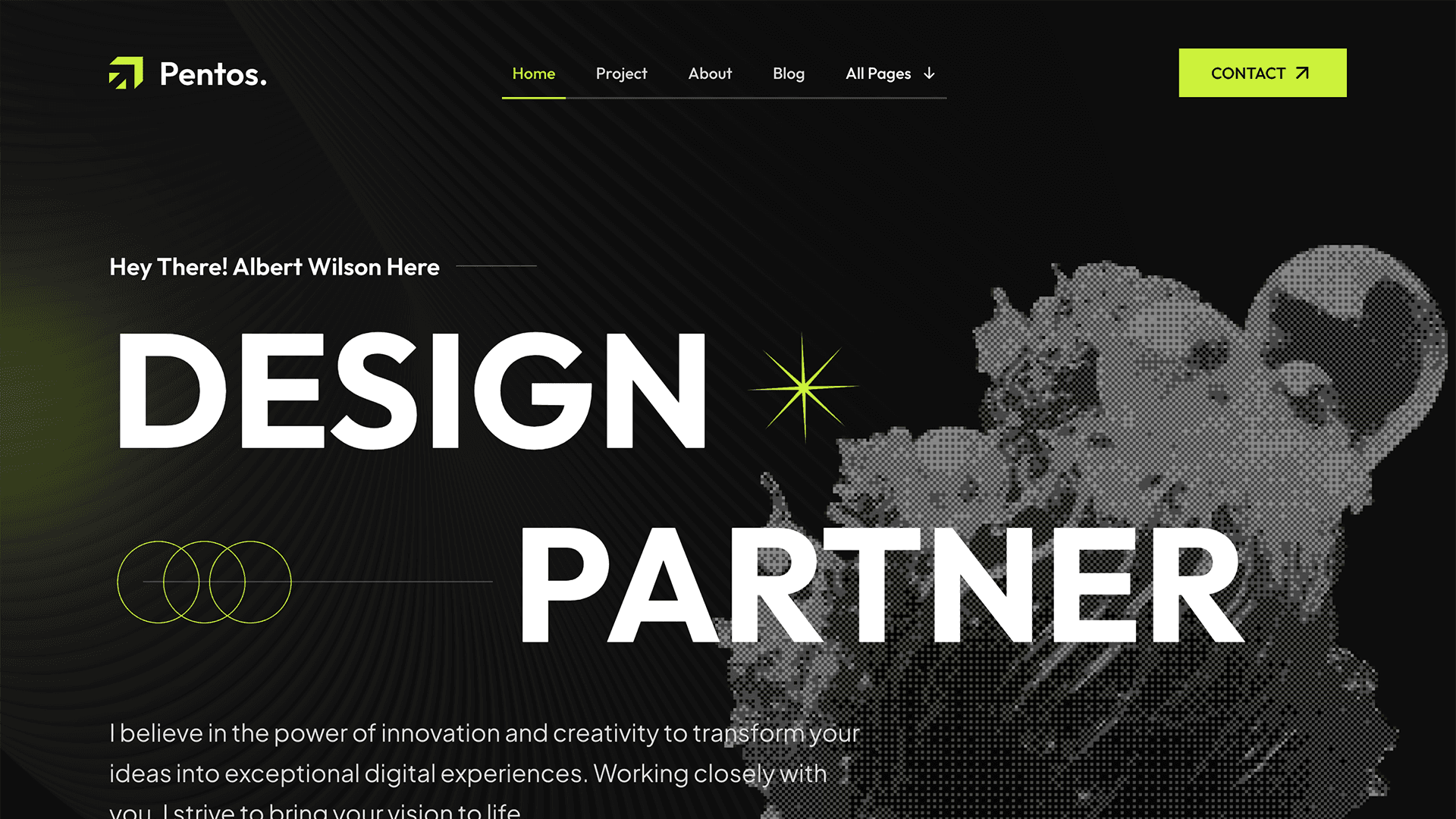
Begin by exploring the Framer Template Marketplace, which offers hundreds of options ranging from simple landing pages to complex multi-page websites:
Start with free templates: these provide an excellent introduction to Framer's capabilities without any financial investment.
Graduate to paid templates: once comfortable, paid templates often showcase more sophisticated layouts, transitions and interactions that reveal Framer's full potential and will help you to improve your skills.
Select templates similar to your tastes: choose designs that align with the type of websites you want to create, making the learning process more relevant and practical.
Step 2: Break Down the Template
Once you've selected a template, examine it methodically:
Focus on one section at a time (e.g., the hero section, features section)
Study each element individually (buttons, text blocks, images, videos)
Analyse how elements are arranged and interact with each other
Investigate the settings used to achieve specific visual effects
Step 3: Experiment and Modify
Learning accelerates when you interact with the template:
Move elements around to see how positioning works
Adjust parameters such as sizes, colours, and spacing
Test how changes to one element affect others
Play with simple animations to understand Framer's motion capabilities
Don't worry about perfection. This is more like a learning exercise and you can always undo changes or remix the template again to get the original version.
Step 4: Rebuild from Scratch
The most powerful step in cementing your skill is rebuilding a template (full website or sections) from scratch:
Create a new blank project
Switch back and forth between the original template and your project
Recreate each section methodically, element by element
Focus on understanding why specific techniques work rather than just copying
This approach forces you to apply what you've observed, transforming passive knowledge into active skill.
Step 5: Seek Help When Stuck
Even with the best templates as guides, you'll inevitably encounter challenges:
Use the Framer Academy for official tutorials and documentation
Join the Framer Community forums to ask specific questions
Search for solutions to common problems online (try the Framer subreddit)
Consider each obstacle as a learning opportunity rather than a setback
Why This Approach Works
The template reverse-engineering method is particularly effective because:
It combines theory with immediate practical application so you don't end up in tutorial hell.
You learn by seeing real-world examples rather than abstract concepts
The approach is project-based, making the learning more engaging
You discover Framer's capabilities in context, making them easier to remember
Each template studied adds new techniques to your repertoire
Learning Framer doesn't have to be a lengthy process.
By strategically using templates as learning tools, you can master the platform in a matter of weeks rather than months. This approach transforms the daunting task of learning a new tool into a structured, manageable process that builds confidence through practical experience.
If you like having a clear plan to follow, I’ve also put together a Roadmap to learn Framer in 2026 that breaks down what to focus on and in what order, from beginner to more advanced concepts.
And if you prefer a more structured, guided approach, you’ll find a curated list of Framer courses in the Resources section on Frameplate, covering everything from fundamentals to advanced workflows.
Over the past few years Framer has emerged as one of the most powerful website builders for creating stunning, custom websites without coding knowledge.
For web designers looking to expand their toolkit beyond traditional platforms like WordPress, Framer offers exciting possibilities with its intuitive interface and powerful features.
But how can beginners learn Framer quickly and effectively? This article explores a strategy that can help you master Framer in just a few weeks.
The Template Reverse-Engineering Approach
While many people attempt to learn Framer through tutorials or courses, there's a more practical approach that can accelerate your learning curve dramatically: reverse-engineering templates.
Step 1: Choose a Template
Begin by exploring the Framer Template Marketplace, which offers hundreds of options ranging from simple landing pages to complex multi-page websites:
Start with free templates: these provide an excellent introduction to Framer's capabilities without any financial investment.
Graduate to paid templates: once comfortable, paid templates often showcase more sophisticated layouts, transitions and interactions that reveal Framer's full potential and will help you to improve your skills.
Select templates similar to your tastes: choose designs that align with the type of websites you want to create, making the learning process more relevant and practical.
Step 2: Break Down the Template
Once you've selected a template, examine it methodically:
Focus on one section at a time (e.g., the hero section, features section)
Study each element individually (buttons, text blocks, images, videos)
Analyse how elements are arranged and interact with each other
Investigate the settings used to achieve specific visual effects
Step 3: Experiment and Modify
Learning accelerates when you interact with the template:
Move elements around to see how positioning works
Adjust parameters such as sizes, colours, and spacing
Test how changes to one element affect others
Play with simple animations to understand Framer's motion capabilities
Don't worry about perfection. This is more like a learning exercise and you can always undo changes or remix the template again to get the original version.
Step 4: Rebuild from Scratch
The most powerful step in cementing your skill is rebuilding a template (full website or sections) from scratch:
Create a new blank project
Switch back and forth between the original template and your project
Recreate each section methodically, element by element
Focus on understanding why specific techniques work rather than just copying
This approach forces you to apply what you've observed, transforming passive knowledge into active skill.
Step 5: Seek Help When Stuck
Even with the best templates as guides, you'll inevitably encounter challenges:
Use the Framer Academy for official tutorials and documentation
Join the Framer Community forums to ask specific questions
Search for solutions to common problems online (try the Framer subreddit)
Consider each obstacle as a learning opportunity rather than a setback
Why This Approach Works
The template reverse-engineering method is particularly effective because:
It combines theory with immediate practical application so you don't end up in tutorial hell.
You learn by seeing real-world examples rather than abstract concepts
The approach is project-based, making the learning more engaging
You discover Framer's capabilities in context, making them easier to remember
Each template studied adds new techniques to your repertoire
Learning Framer doesn't have to be a lengthy process.
By strategically using templates as learning tools, you can master the platform in a matter of weeks rather than months. This approach transforms the daunting task of learning a new tool into a structured, manageable process that builds confidence through practical experience.
If you like having a clear plan to follow, I’ve also put together a Roadmap to learn Framer in 2026 that breaks down what to focus on and in what order, from beginner to more advanced concepts.
And if you prefer a more structured, guided approach, you’ll find a curated list of Framer courses in the Resources section on Frameplate, covering everything from fundamentals to advanced workflows.

Over the past few years Framer has emerged as one of the most powerful website builders for creating stunning, custom websites without coding knowledge.
For web designers looking to expand their toolkit beyond traditional platforms like WordPress, Framer offers exciting possibilities with its intuitive interface and powerful features.
But how can beginners learn Framer quickly and effectively? This article explores a strategy that can help you master Framer in just a few weeks.
The Template Reverse-Engineering Approach
While many people attempt to learn Framer through tutorials or courses, there's a more practical approach that can accelerate your learning curve dramatically: reverse-engineering templates.
Step 1: Choose a Template
Begin by exploring the Framer Template Marketplace, which offers hundreds of options ranging from simple landing pages to complex multi-page websites:
Start with free templates: these provide an excellent introduction to Framer's capabilities without any financial investment.
Graduate to paid templates: once comfortable, paid templates often showcase more sophisticated layouts, transitions and interactions that reveal Framer's full potential and will help you to improve your skills.
Select templates similar to your tastes: choose designs that align with the type of websites you want to create, making the learning process more relevant and practical.
Step 2: Break Down the Template
Once you've selected a template, examine it methodically:
Focus on one section at a time (e.g., the hero section, features section)
Study each element individually (buttons, text blocks, images, videos)
Analyse how elements are arranged and interact with each other
Investigate the settings used to achieve specific visual effects
Step 3: Experiment and Modify
Learning accelerates when you interact with the template:
Move elements around to see how positioning works
Adjust parameters such as sizes, colours, and spacing
Test how changes to one element affect others
Play with simple animations to understand Framer's motion capabilities
Don't worry about perfection. This is more like a learning exercise and you can always undo changes or remix the template again to get the original version.
Step 4: Rebuild from Scratch
The most powerful step in cementing your skill is rebuilding a template (full website or sections) from scratch:
Create a new blank project
Switch back and forth between the original template and your project
Recreate each section methodically, element by element
Focus on understanding why specific techniques work rather than just copying
This approach forces you to apply what you've observed, transforming passive knowledge into active skill.
Step 5: Seek Help When Stuck
Even with the best templates as guides, you'll inevitably encounter challenges:
Use the Framer Academy for official tutorials and documentation
Join the Framer Community forums to ask specific questions
Search for solutions to common problems online (try the Framer subreddit)
Consider each obstacle as a learning opportunity rather than a setback
Why This Approach Works
The template reverse-engineering method is particularly effective because:
It combines theory with immediate practical application so you don't end up in tutorial hell.
You learn by seeing real-world examples rather than abstract concepts
The approach is project-based, making the learning more engaging
You discover Framer's capabilities in context, making them easier to remember
Each template studied adds new techniques to your repertoire
Learning Framer doesn't have to be a lengthy process.
By strategically using templates as learning tools, you can master the platform in a matter of weeks rather than months. This approach transforms the daunting task of learning a new tool into a structured, manageable process that builds confidence through practical experience.
If you like having a clear plan to follow, I’ve also put together a Roadmap to learn Framer in 2026 that breaks down what to focus on and in what order, from beginner to more advanced concepts.
And if you prefer a more structured, guided approach, you’ll find a curated list of Framer courses in the Resources section on Frameplate, covering everything from fundamentals to advanced workflows.

SHARE ON:
SHARE ON:
Featured Articles
Templates
Best Framer Templates for SaaS in 2026
Read article →
Templates
Best Framer Templates for SaaS in 2026
Read article →
Templates
Best Framer Templates for Designers in 2025
Read article →
Templates
Best Framer Templates for Designers in 2025
Read article →
Tutorials
How To Connect Shopify to Framer
Read article →
Tutorials
How To Connect Shopify to Framer
Read article →
Popular templates
Popular resources

Framify
A comprehensive Framer Component and Template Library with 1000+ pre-built elements.

Framify
A comprehensive Framer Component and Template Library with 1000+ pre-built elements.

Frameblox
The ultimate Framer UI kit and prebuilt website template library.

Frameblox
The ultimate Framer UI kit and prebuilt website template library.
FrameShare
A plugin to add social share buttons to Framer sites.
FrameShare
A plugin to add social share buttons to Framer sites.
Submit
Contribute to the community
Submit your work and get discovered. Share your Framer templates, plugins, resources or deals with thousands of designers.
Submit
Contribute to the community
Submit your work and get discovered. Share your Framer templates, plugins, resources or deals with thousands of designers.
Submit
Contribute to the community
Submit your work and get discovered. Share your Framer templates, plugins, resources or deals with thousands of designers.
Newsletter
Sign up to our newsletter to keep updated with the latest Framer templates, updates and resources.
Newsletter
Sign up to our newsletter to keep updated with the latest Framer templates, updates and resources.