
Resources
Best Animation Resources for Framer Designers in 2026
Last updated:
Written by:
Animation is the part of web design that separates good from memorable. The problem isn't a shortage of tools, it's knowing which ones are actually worth learning and what each one is built for.
The resources below cover the full range: from production-ready 3D and WebGL experiences, to lightweight 2D animations you can drop into any project, to the inspiration platforms worth bookmarking when you need to push the quality of your work up a level.
Each one earns its place here for a different reason.
Seven tools. Here's when and why to use each.
1. Spline for 3D Animations
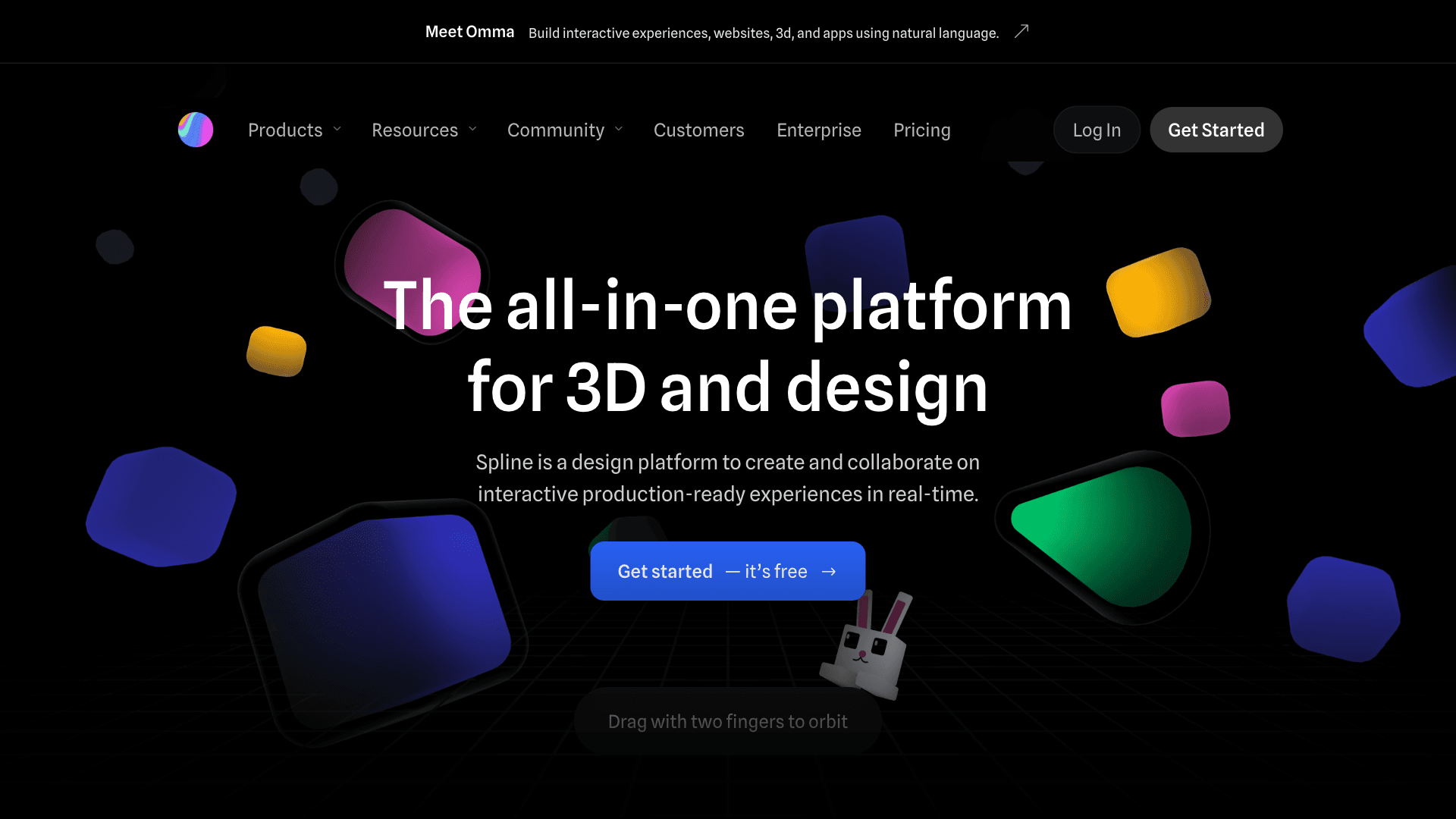
Spline has become the go-to for designers who want real 3D on the web without writing a line of Three.js.
You build in the browser, export an embed, and it just works. The learning curve is gentle enough that you can produce something usable within a few hours, and the output quality - especially for hero sections and interactive product showcases - is genuinely impressive.
The honest limitation: Spline scenes can be heavy on performance if you're not careful.
It's best suited to focused, single-element animations rather than full 3D environments. Use it where the impact justifies the load.
2. Unicorn Studio for WebGL Animations
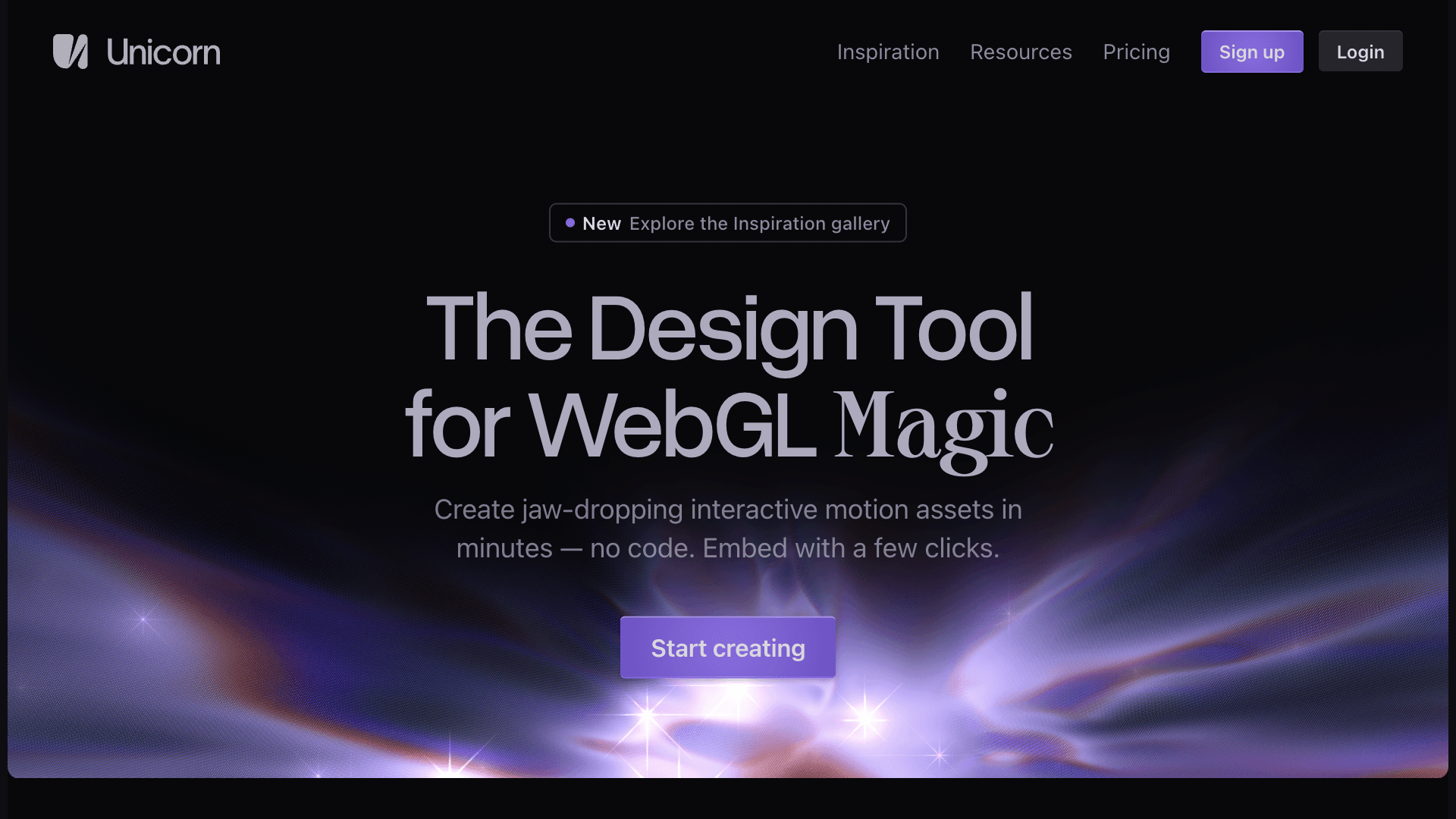
Unicorn Studio sits in a different category to Spline. Where Spline is for 3D objects and scenes, Unicorn Studio is built around shader-based, WebGL effects - the kind of fluid, abstract, light-and-noise animations that have become a staple of high-end SaaS and agency sites.
It's a no-code tool, but the results look like they came out of a custom WebGL build.
You get layered effects, real-time previews, and an embed that works cleanly in Framer or any standard HTML setup. For designers who want the "WebGL feel" without hiring a developer, this is the most accessible route to it.
3. LottieFiles for 2D Animations
LottieFiles is the most widely used animation format in the design industry for a reason: it's small, scalable, and works everywhere.
Animations are exported from After Effects (or created in LottieFiles' own editor) as JSON files that render crisply at any size.
The platform doubles as a marketplace, so if you don't want to create from scratch, there are thousands of pre-made Lottie animations to choose from - many free.
Where it earns its place in a production workflow is in UI animation: button states, loading indicators, onboarding illustrations, empty states. It's not built for complex scene-level animation, but for the smaller moments that make an interface feel alive, nothing comes close.
LottieFiles is also available as a plugin on Framer so you can manage everything without leaving the canva.
4. Protopie for Advanced Prototyping
Protopie is what you reach for when Figma's prototyping starts to feel limiting. It's built specifically for complex, logic-driven interactions - conditional states, sensor inputs, multi-screen flows, and component-level behaviour that maps closely to how a real product works.
It's not an animation tool in the traditional sense; it's a prototyping tool with sophisticated interaction capabilities.
That distinction matters. If you're testing a product interaction or trying to communicate a nuanced UX flow to an engineer or stakeholder, Protopie closes the gap between design and development better than anything else in this category.
The trade-off is a steeper learning curve than most tools here - it rewards the time investment, but it does ask for it.
5. Lottielab for Micro Interactions
Lottielab is a newer entrant, but it addresses a gap that LottieFiles' editor doesn't quite fill: creating and editing Lottie animations directly in the browser, without needing After Effects.
It's designed around micro-interactions specifically - the small, detail-level animations that make an interface feel considered.
The editor is significantly more intuitive than working in After Effects, and the output is standard Lottie JSON, so it drops into any existing workflow.
If you want to create custom micro-interactions without a motion design background, Lottielab is the most accessible way to do it right now.
Lottielab is also available as a plugin on Framer so you can manage everything without leaving the canva.
6. 60fps Design for App Animation Inspiration
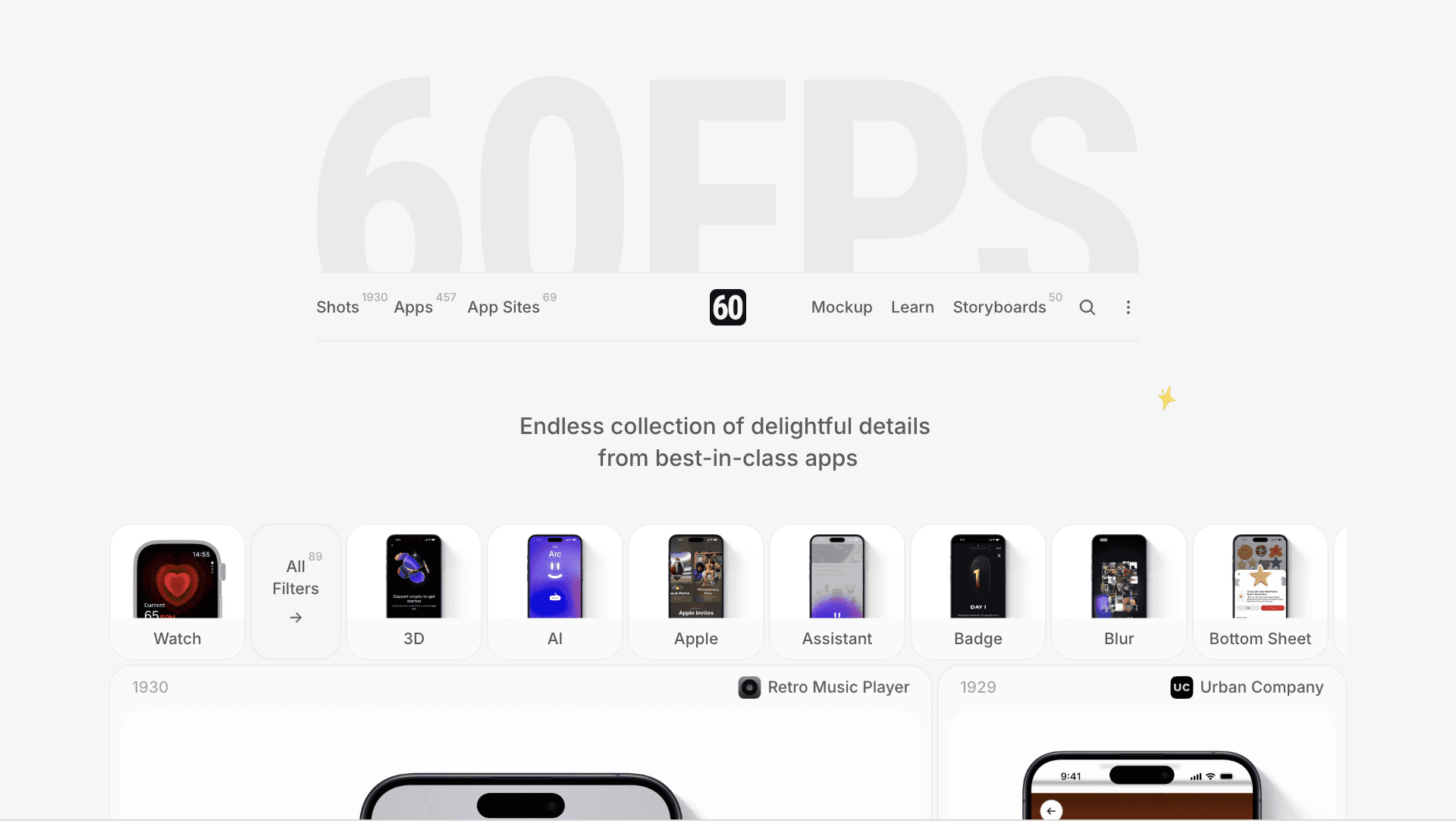
60fps Design is a curated collection of high-quality app animation references, focused on mobile UI. When you're working on transitions, gesture feedback, or screen-level animations and want a reference for what excellent actually looks like, this is the right place to start.
The curation is strong - everything in the library has been filtered for quality, so you're not sifting through mediocre examples to find the useful ones.
It's a passive resource rather than a tool, but keeping it in your browser's bookmarks and visiting it before you start animating a UI component is a habit that tends to produce noticeably better results.
7. Awwwards for Web Animation Inspiration
Awwwards is the longest-established reference in this list, and still one of the most useful. It's a showcase of nominated and award-winning websites, with a heavy emphasis on creative development, custom animations, and experimental web experiences.
If you want to see what's possible at the frontier of web animation - scroll-driven storytelling, custom cursor interactions, full-page WebGL environments - Awwwards is where those references live.
It's not always practical inspiration (some of the work there would take a team of developers to replicate), but it's a reliable way to raise your benchmark for what a highly-crafted web experience looks like.
These seven resources cover the main categories of web animation: creation tools for 3D, WebGL, and 2D; a prototyping tool for complex interactions; and two inspiration platforms for when you need to see what high-quality motion actually looks like in practice.
The ones you use day-to-day will depend on your stack and workflow. For most designers working in Framer, LottieFiles and Lottielab cover the majority of UI animation needs.
Spline and Unicorn Studio are worth keeping available for projects where a standout hero moment is worth the extra effort. And Awwwards and 60fps Design deserve a regular visit - not when you're in the middle of a project, but before you start one.
Explore Framer Templates on Frameplate
Building something in Framer and need a solid starting point?
Browse the full template library on Frameplate →
Frameplate is a curated directory of Framer templates, plugins, and resources. If you're a designer with a template worth sharing, you can also submit it here.