

Framer Documentation Templates
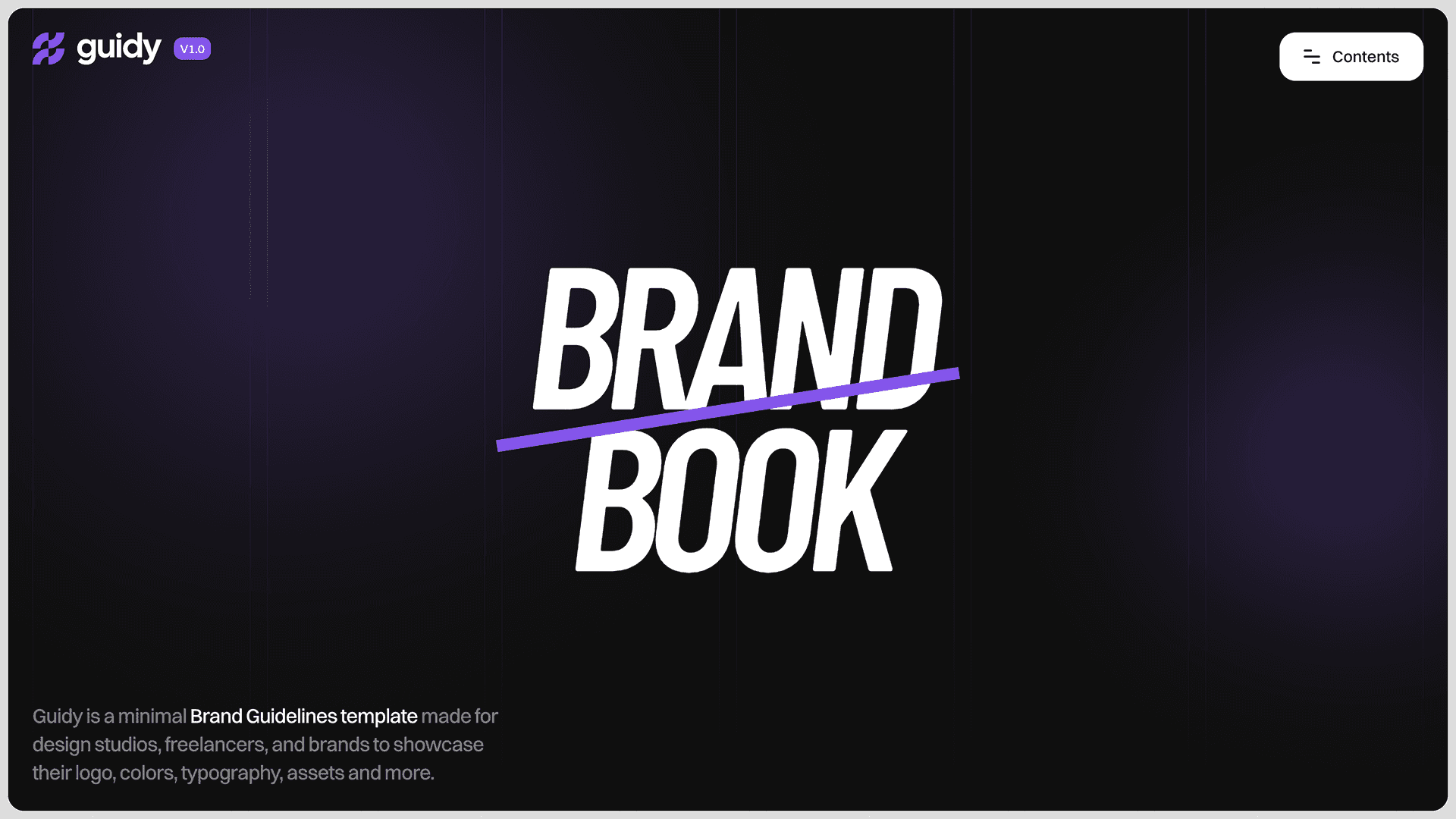
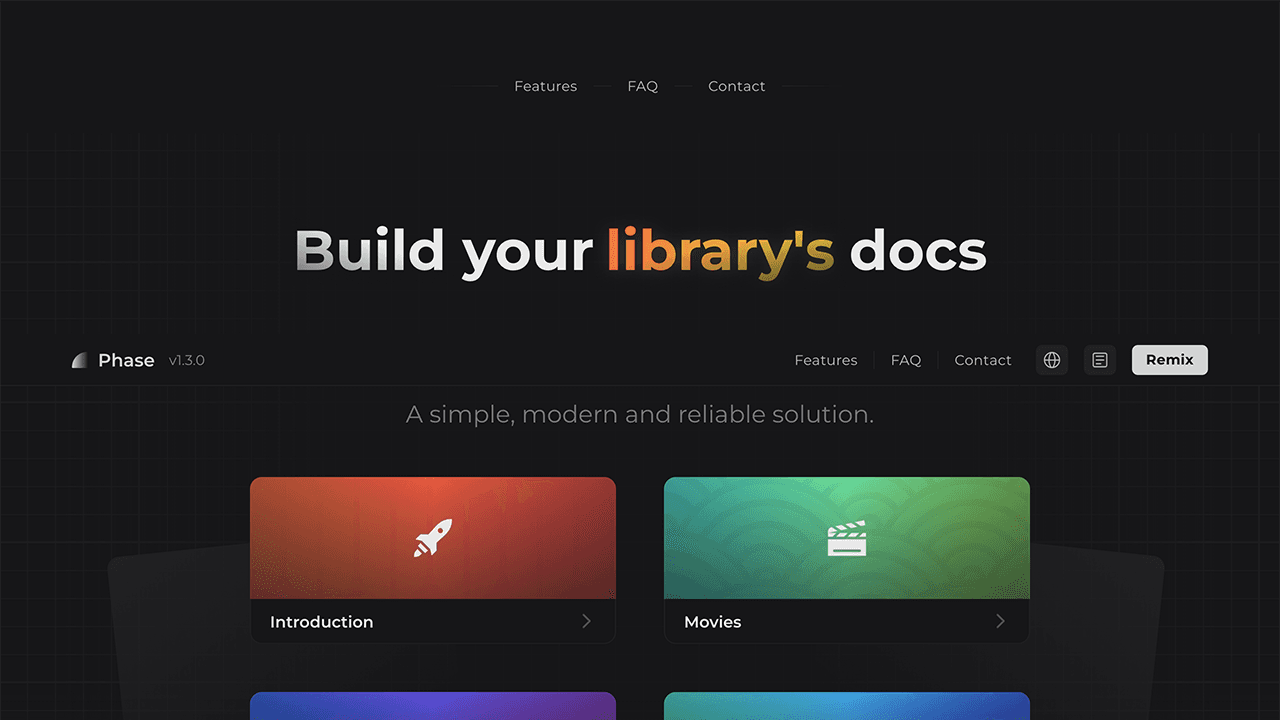
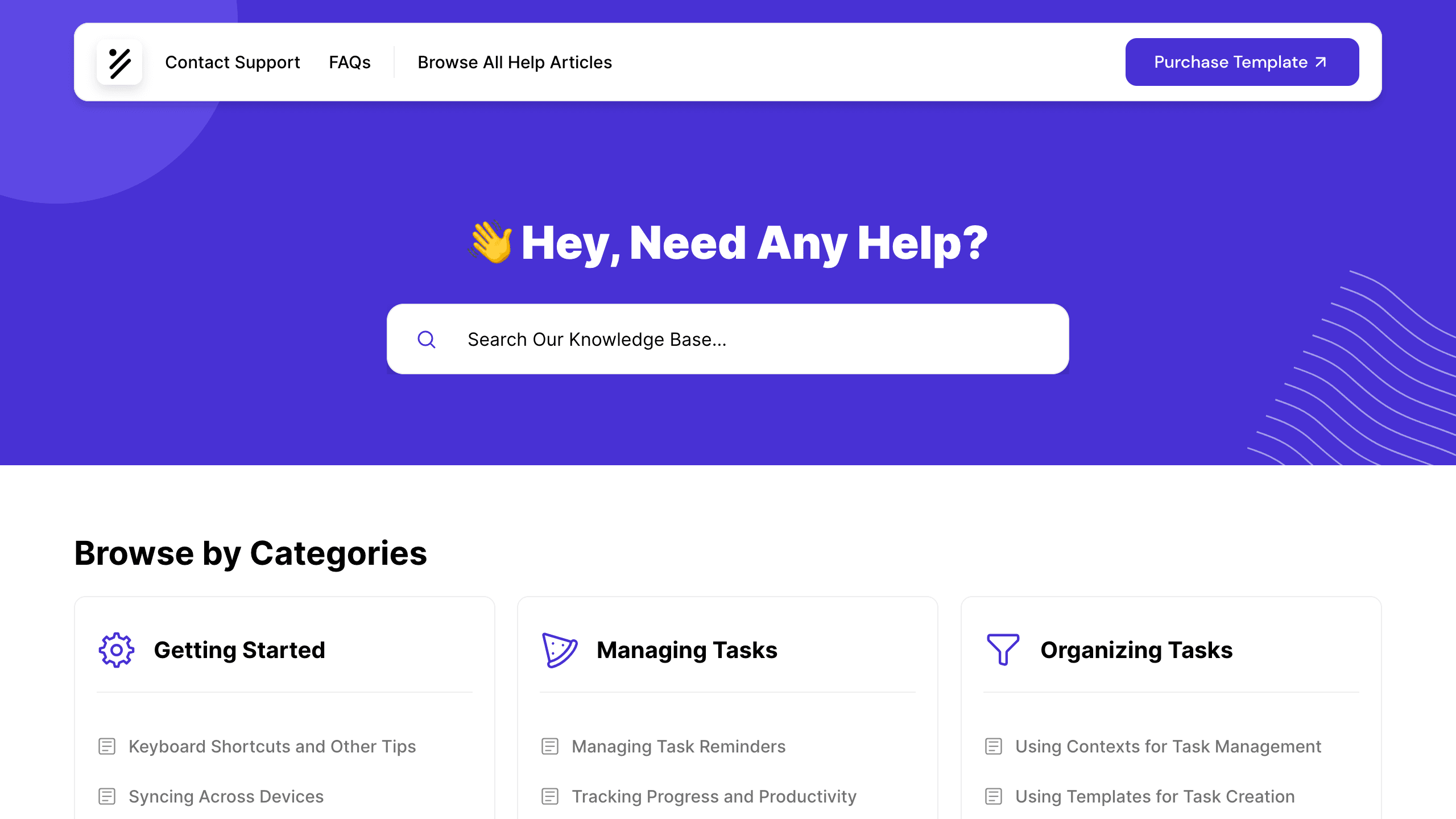
Browse our collection of Framer documentation templates - clean, structured designs for product documentation, developer guides, API references, help centres, and knowledge bases. These templates prioritise navigation and readability: clear sidebar structures, search-friendly layouts, code block support, and logical content hierarchies that make complex information easy to navigate. Whether you're documenting a developer tool, a SaaS product, or an internal process, these templates give you a solid starting point.
Submit your template to get it added to this list.





Related Categories
Build Beautiful Product Docs with Framer
Good documentation is often what separates products people adopt from products people abandon. These Framer documentation templates are designed to make information findable and readable - structured navigation, clear heading hierarchies, and layouts that handle both short reference entries and long-form guides equally well. Built in Framer, they can be customised to match your product's visual identity, and managed with Framer CMS for easy content updates. Whether you're building a public-facing API reference, a customer help centre, or an internal wiki, these templates provide the structure you need.
Frequently Asked Questions
Are Framer documentation templates suitable for developer documentation?
Yes. These templates include layouts suited to API references, code examples, and technical guides. For syntax highlighting in code blocks, a custom code component or embed may be needed.
Can I manage documentation content with Framer CMS?
Yes. Documentation templates can be structured around Framer CMS collections, allowing you to manage articles, categories, and sections without modifying the design.
Yes, most templates use Framer's native search feature.
Are these templates suitable for internal team documentation as well as public docs?
Yes. You can password-protect your Framer site to keep documentation private and accessible only to your team.
Can I add a feedback or 'was this helpful?' component to documentation pages?
This can be added via a third-party embed or a simple Framer form component. It's not typically included out of the box in documentation templates.