

Framer Portfolio Templates
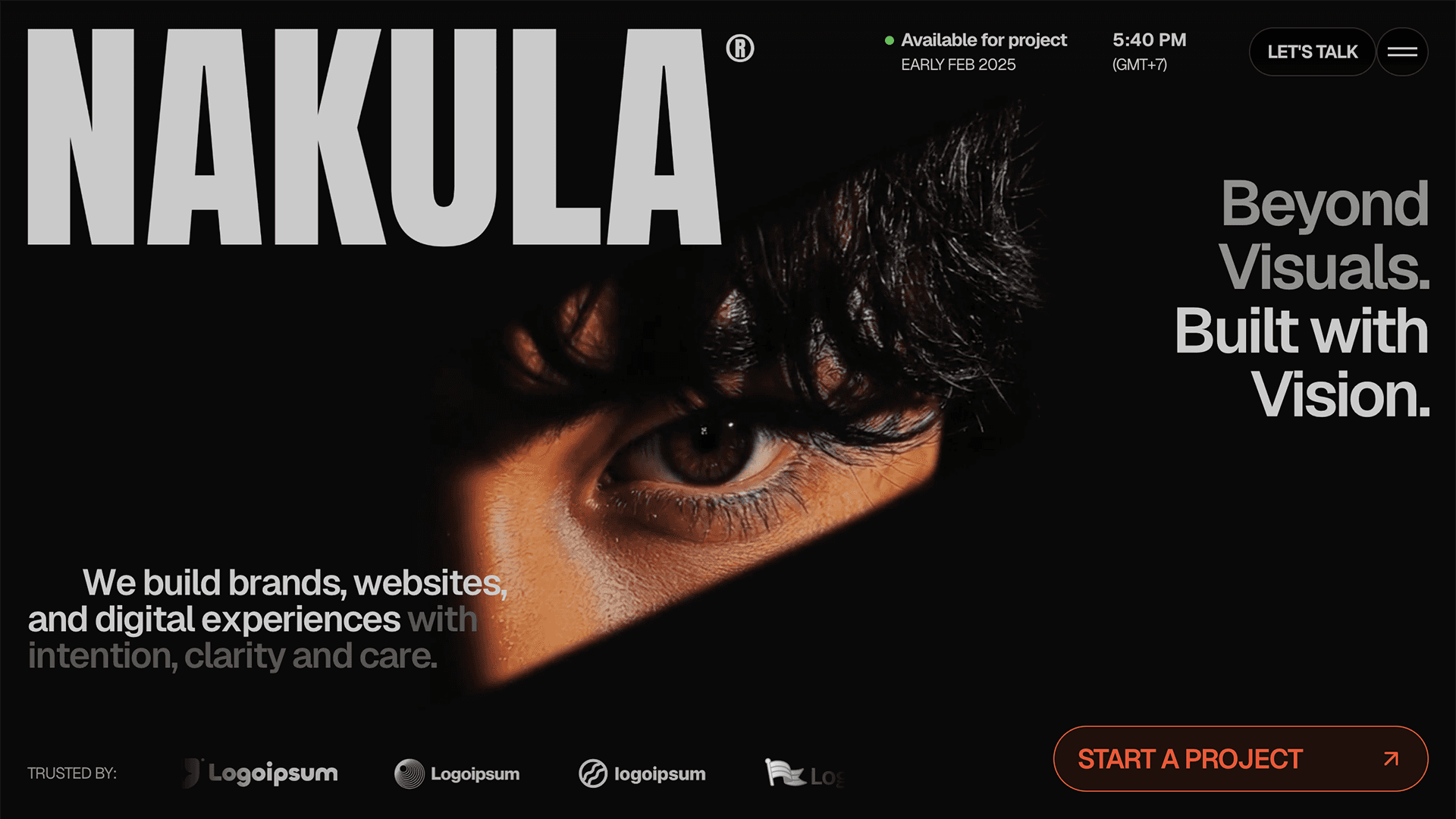
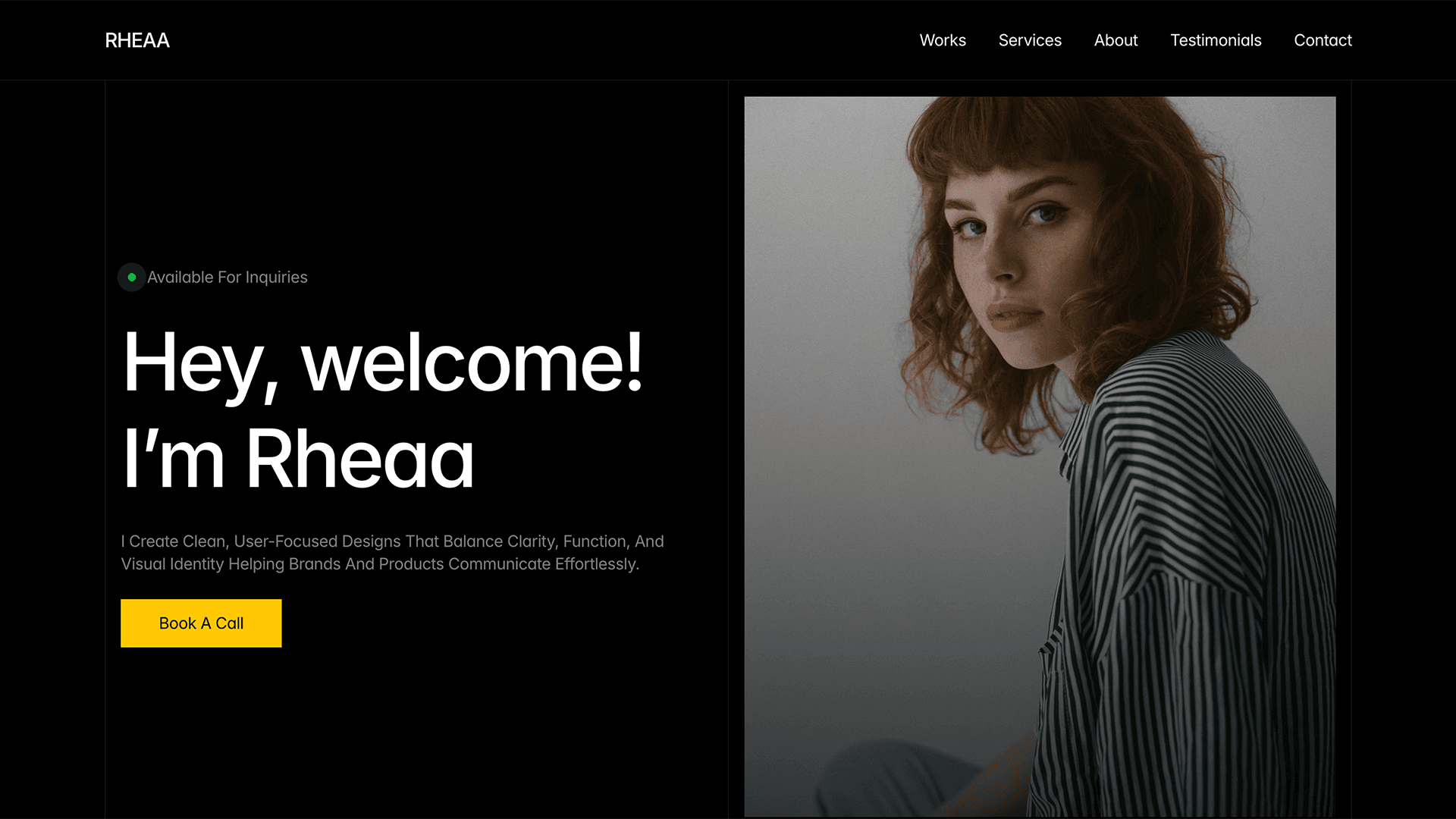
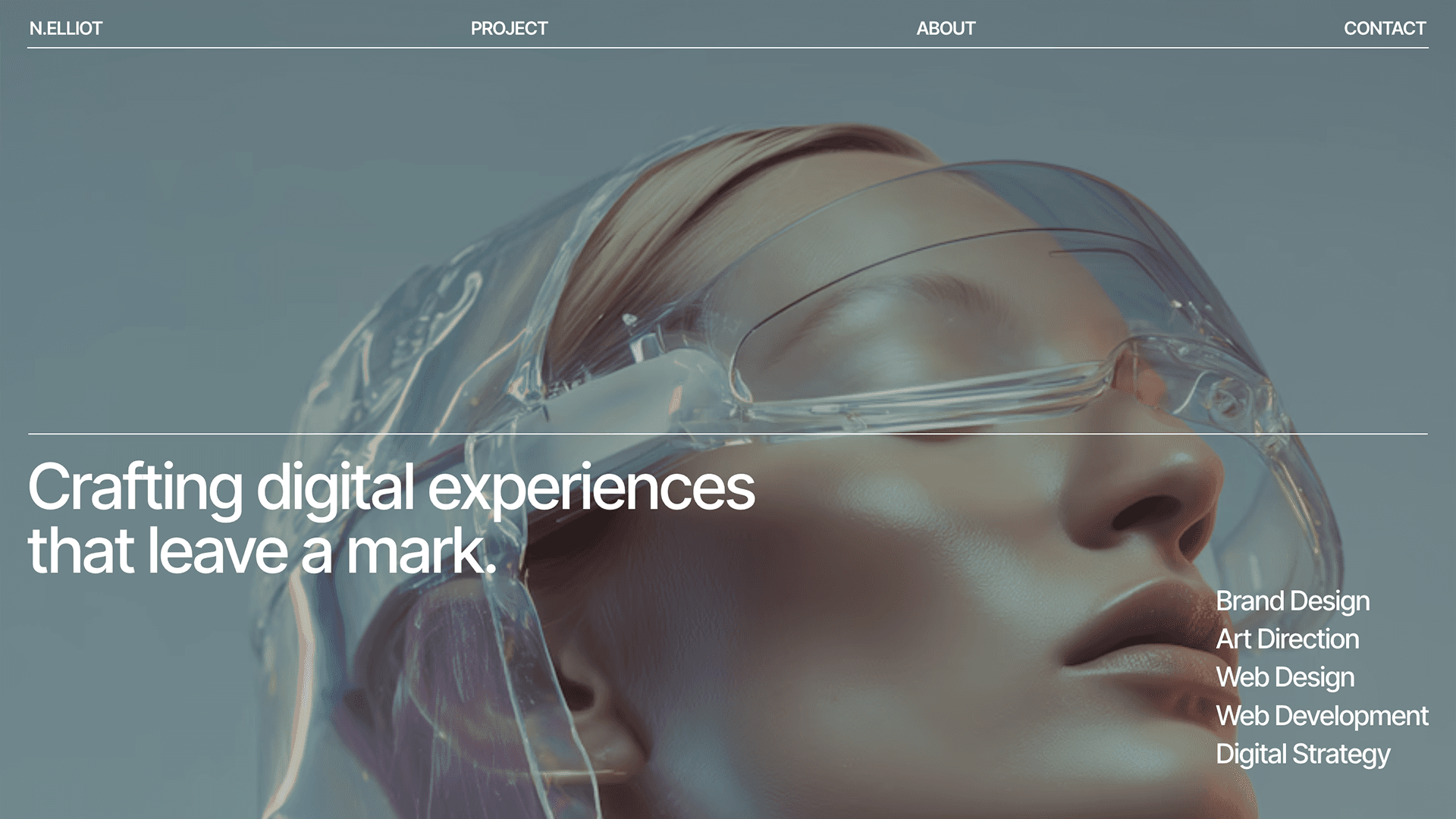
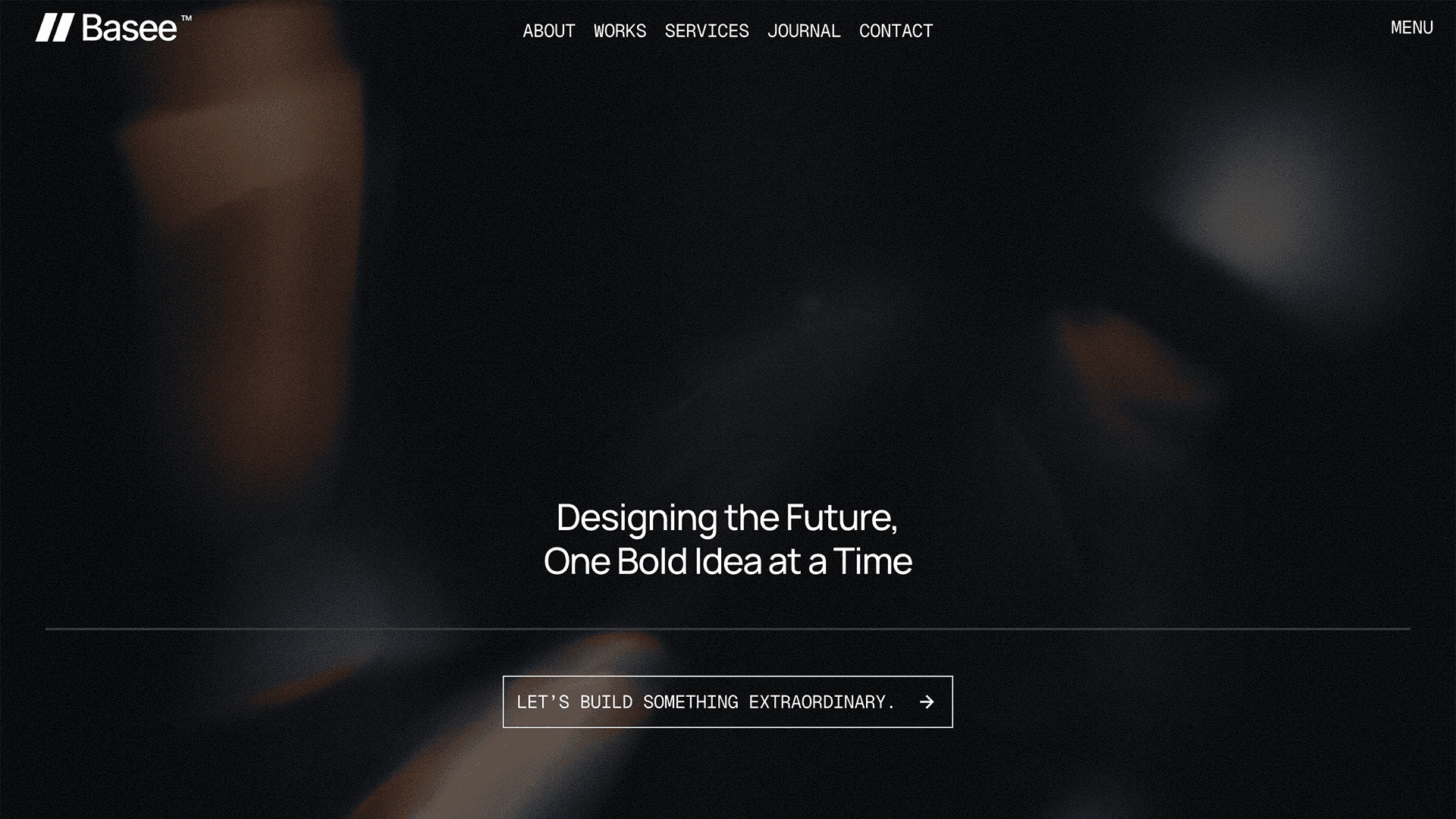
Browse our collection of Framer portfolio templates - professionally designed, ready to customise, and built to help you stand out. Whether you're a designer, developer, photographer, or creative freelancer, these templates give you a polished online presence without starting from scratch. Every template is fully responsive, easy to edit in Framer's visual editor, and optimised for performance. New portfolio templates are added weekly, all handpicked by the Frameplate team.
Submit your template to get it added to this list.







Related Categories
The Best Framer Portfolio Templates for Creatives
Finding the right portfolio template shouldn't take hours. Frameplate curates the best Framer portfolio templates from top creators so you can skip the searching and start building. Whether you need a minimal one-page portfolio to land your next freelance client, a case-study-driven layout for a UX design role application, or a photography portfolio that puts your images front and centre, there's a template in this collection built for your needs. All templates are built natively in Framer - meaning they're fully responsive, fast-loading, and ready to customise without touching a line of code. Free and premium options are available.
Frequently Asked Questions
Are these Framer portfolio templates free?
Both free and paid portfolio templates are available on Frameplate. Use the price filter to browse free options only. Paid templates typically include more pages, more advanced animations, and dedicated creator support.
Do I need to know how to code to use these templates?
No. All templates are built in Framer, a no-code visual editor. You can customise colours, fonts, text, and layouts without writing a single line of code.
What makes a good Framer portfolio template?
A good portfolio template has a clear structure that showcases your work without distracting from it: a strong homepage section, a flexible project or case study layout, an about page, and an easy-to-find contact section. Performance and mobile responsiveness are also essential.
Can I use a Framer portfolio template for client work?
In most cases yes, but it depends on the individual template's licence. Check the licence on each template listing before purchasing. Many templates allow commercial use.
How do I edit a Framer portfolio template?
Open the template in your Framer account, duplicate it to your workspace, and edit directly in the visual canvas. Replace placeholder text, images, and links with your own content. No code required.